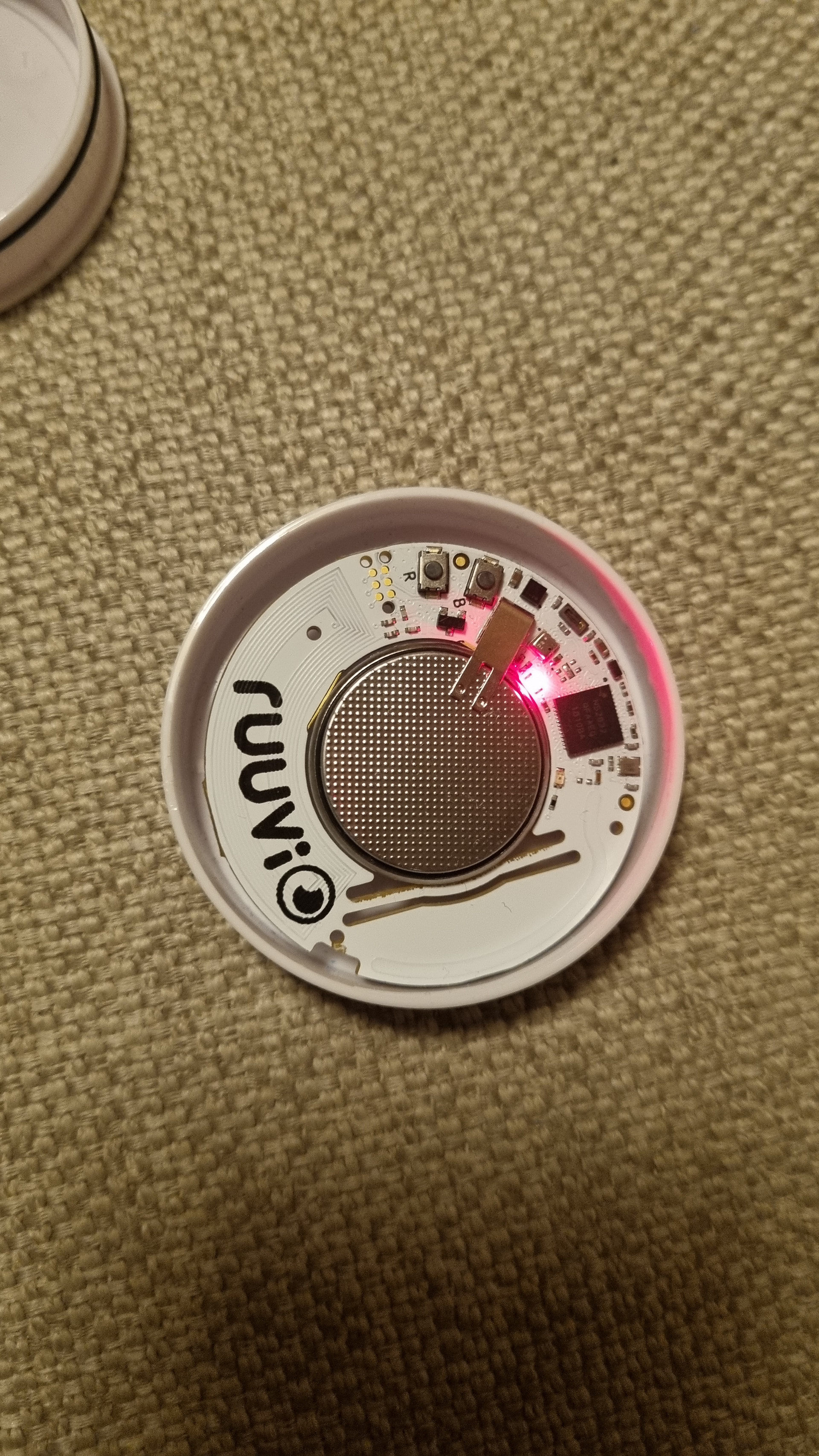
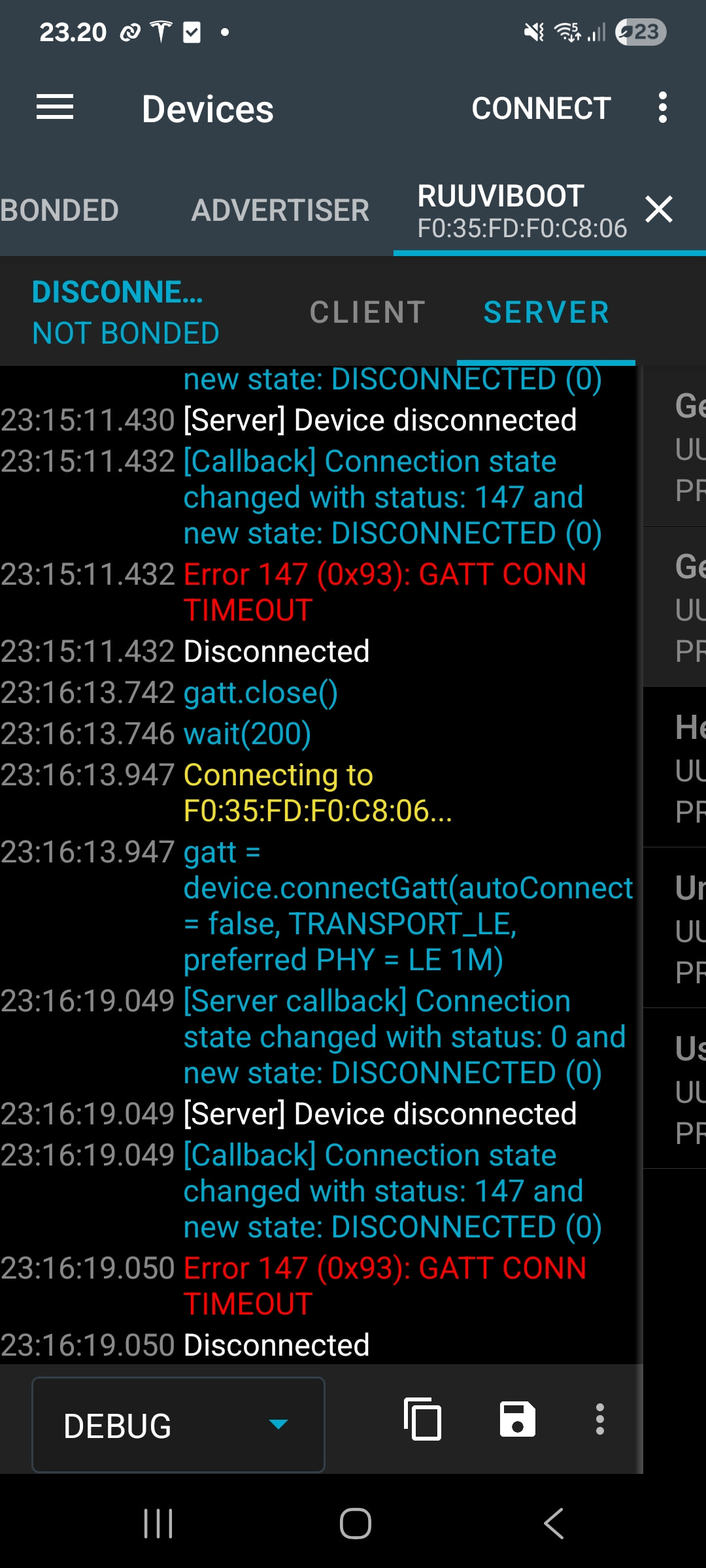
So I’ve an old ruuvi tag with very old firmware. I’ve tried to upgrade firmware with Android nf connect & dfu. Initially I had DFU activated on app, but basically software was not pushed to tag. And now when I connect to tag (B&R button version) it does not offer DFU on top right.
Is there any way to ‘fix’ the tag? Soldering ESP32 to tag’s debug pins & upload? Or is it trash?
I think bootloader is working because tag is seen over BT and leds go to correct status. I think (cannot check right now) nf connect log showed some GATT error.
Thanks for your message. The old RuuviTag requires a specific firmware package to be updated on the sensor with nRF Connect app, and this might now cause the process to fail for you.
You will find the full instructions for this update process at https://ruuvi.com/software-update/ under Firmware versions and update your RuuviTag firmware using nRF Connect (Advanced).
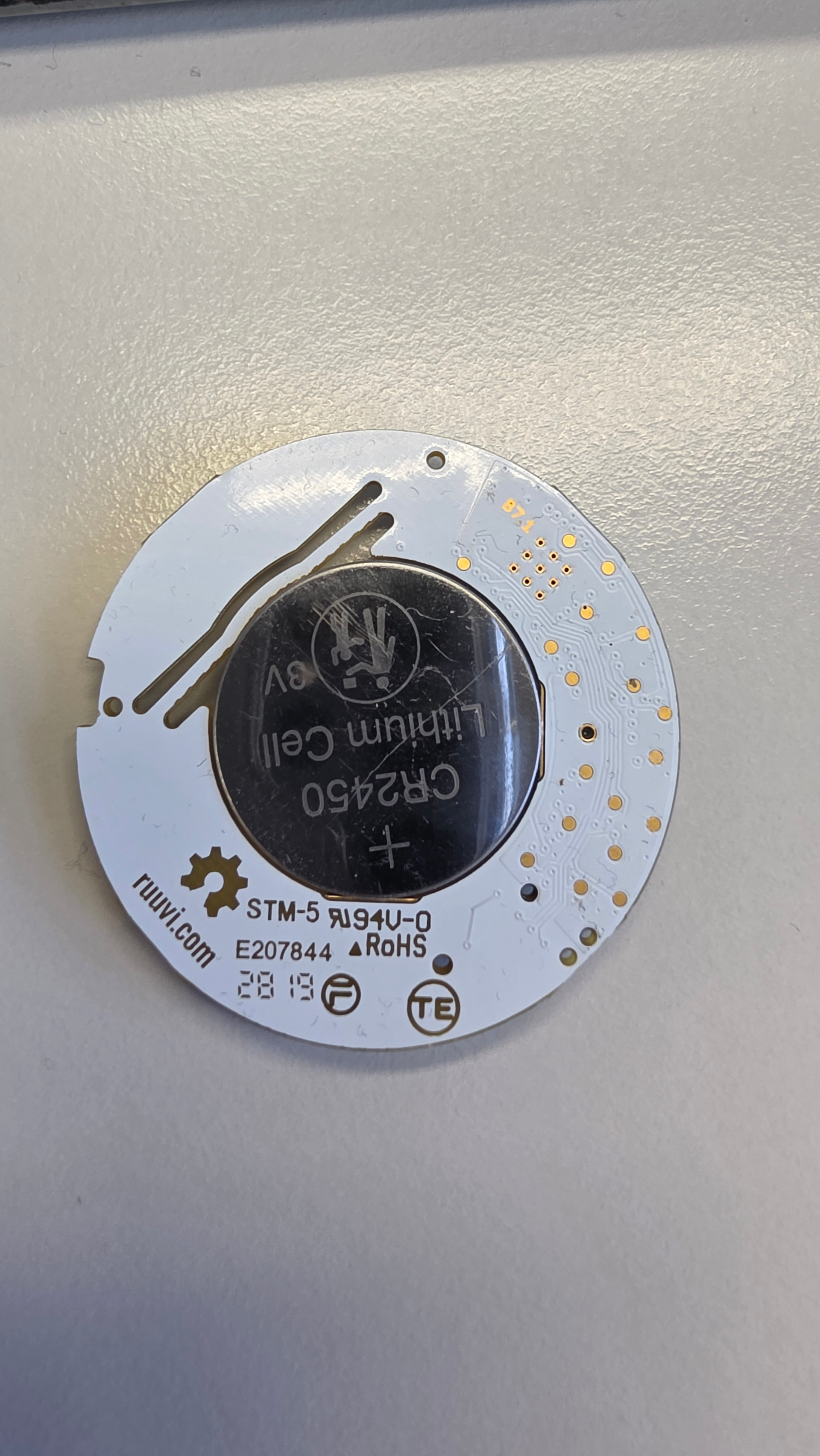
First thing I’d check is how fresh the battery is, updating is a heavy operation and it could be that old battery can run the normal operation but crashes on update, giving that GATT error.
If you can read the tag’s firmware version with NFC we can figure out if there is an update path with a mobile phone. However the oldest tags don’t have NFC support, but I think the PCB revision in the photo should have the NFC supported.
The tag has Tag-Connect SWD connector, if you have a SWD debugger and a cable for it flashing new hex is possible. Likewise it would be possible to solder to ESP32 and run flashing through it, that’s actually how Ruuvi Gateway updates the internal nFR52. However that would be quite a bit of work.
If the 2.5.9 runs normally, you can get most of the features of your RuuviTag. 3.X adds history logging and support for other sensors and hardware variants, but for your Tag only the history logging inside the tag would be missing
If nRF Connect does not connect at all, there’s not really a solution for updating without a wired programmer.
This seems to indicate that it is possible to start a connection + upload, but it might be that some component is just on the verge of failing and DFU is no longer possible