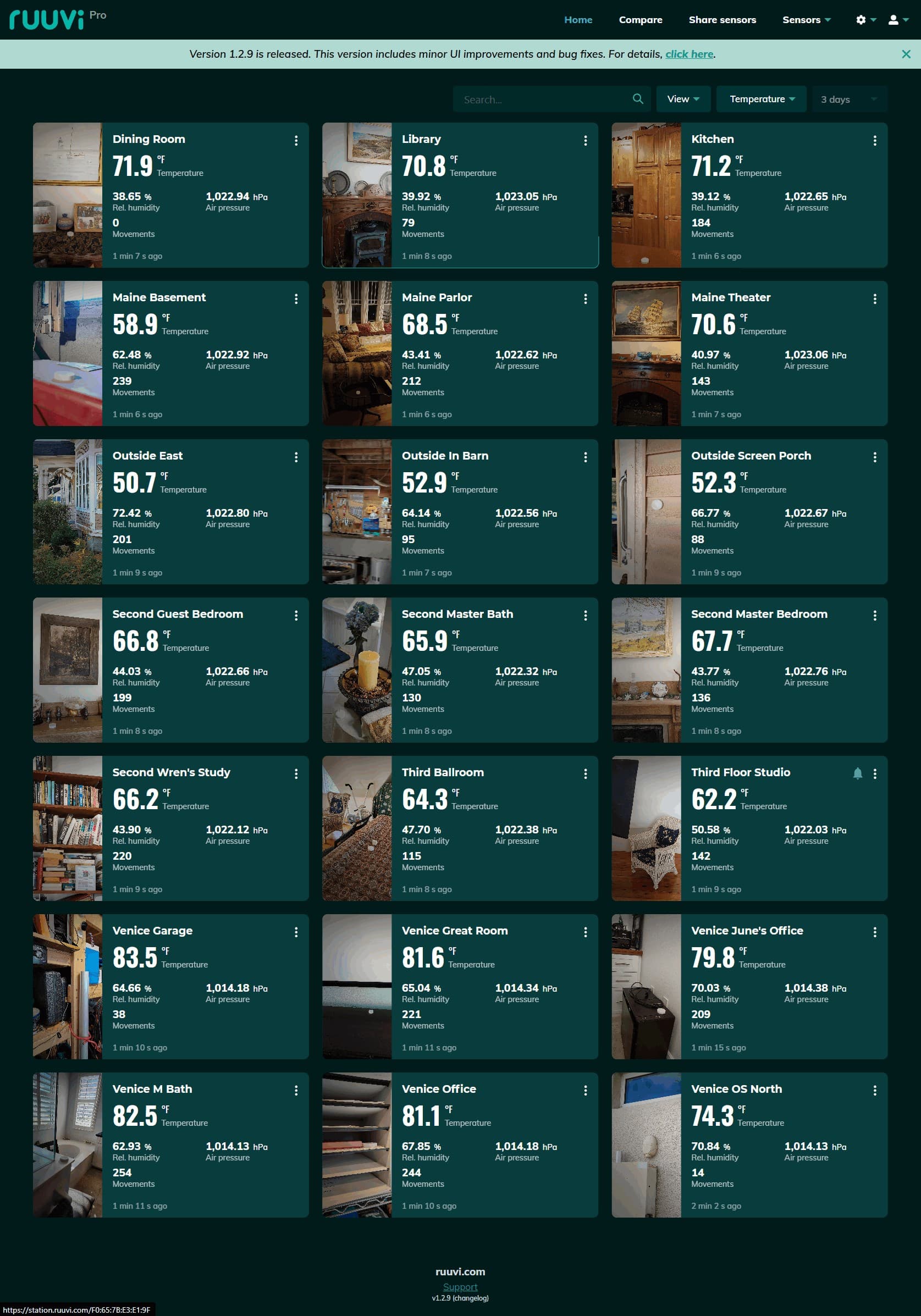
Works fine in iOS and Android Apps, but has failed the last 4 days using various web browsers. (Must admit, I haven’t used this feature in months, but the graphs and compare feature were GREAT.)
I want to use the web version so I can get 1080p or 2160p versions to print.
I suppose clicking is equivalent to selecting History View under the three dots. I also get the same Something went wrong/Try refreshing the page screen if I choose “Settings & Alerts“
I was hoping it would get fixed if I waited, but …
Thank you for your message and sorry for troubles with Ruuvi Station WebUI.
If I select History View or Settings & Alerts from three dots menu on dashboard view they both open for me normally, so I’m thinking this might be a browser cache issue.
Here is how to delete cache for one website on Google Chrome:
Open Chrome and go to the specific website.
Go to Chrome’s settings by clicking the three dots in the top-right corner, then selecting Settings.
In the left-hand menu, click Privacy and security, then Site settings.
Scroll down to the “View permissions and data stored across sites” option and click it.
In the search bar, type the name or URL of the website you want to clear.
Click the trash can icon to the right of the website’s name or click the site name and select Delete.
After this you should be able to use the dashboard menu items again normally.
Much appreciated the detailed response. I followed, and it logged me out of Ruvvi as expected. Same results. Cleared cache and cookies, same results.
I had previously tried Edge, same results then and now. Installed Opera for the first time on this particular machine, and sadly got the same results.
I’ll try a laptop in a bit, but expect the same results since it also happened on my primary machine before I shut it down for our move to our winter home. Unless I say otherwise within an hour, assume it happened on the laptop.
I’m not running a VPN, and I know I told Opera not to install an ad blocker. I’m connected to the internet via a cable connection with one of the primary US internet providers.
@Marko Thanks for the fix. It resolved the problem for me also. Just curious, what was different about our setups? Others didn’t seem to have the problem. Was it the number of sensors?