Hi,
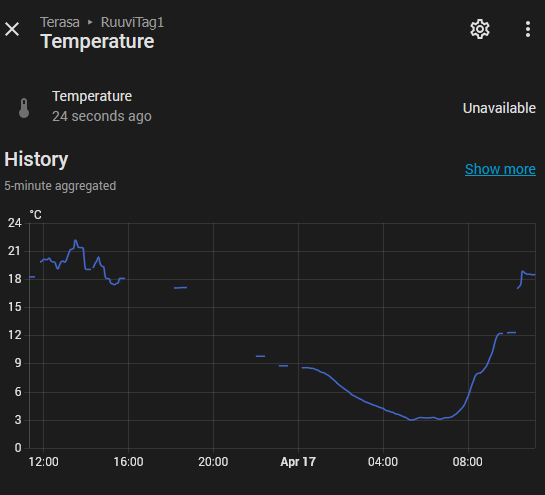
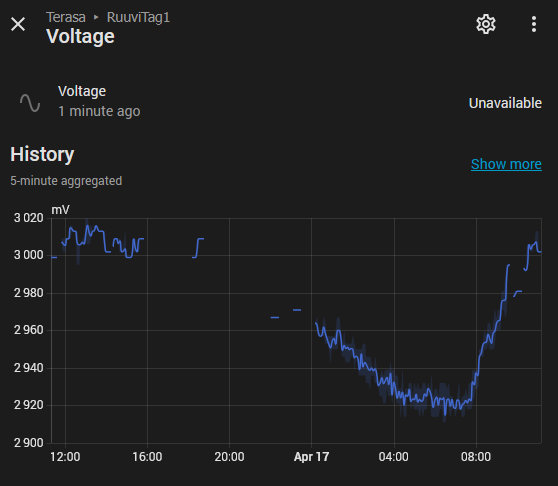
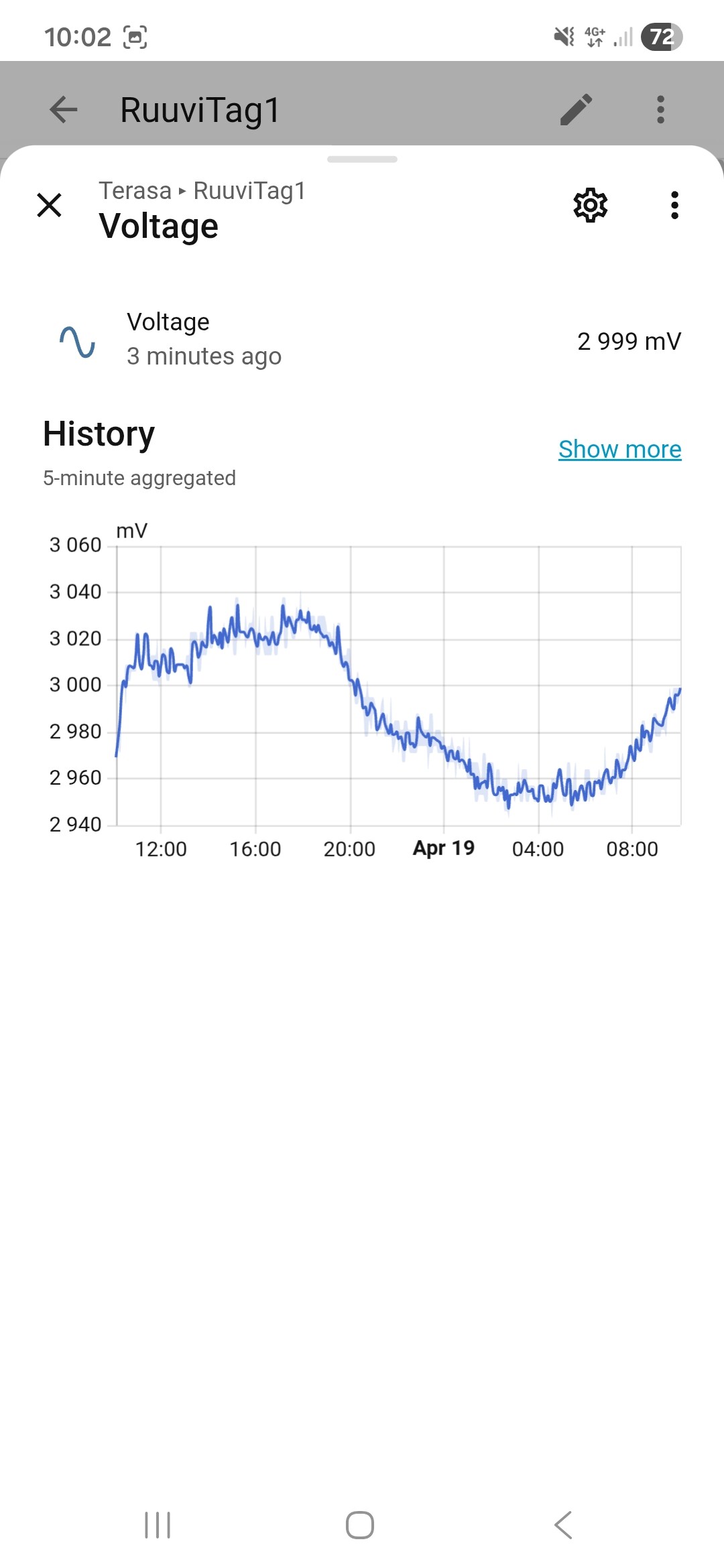
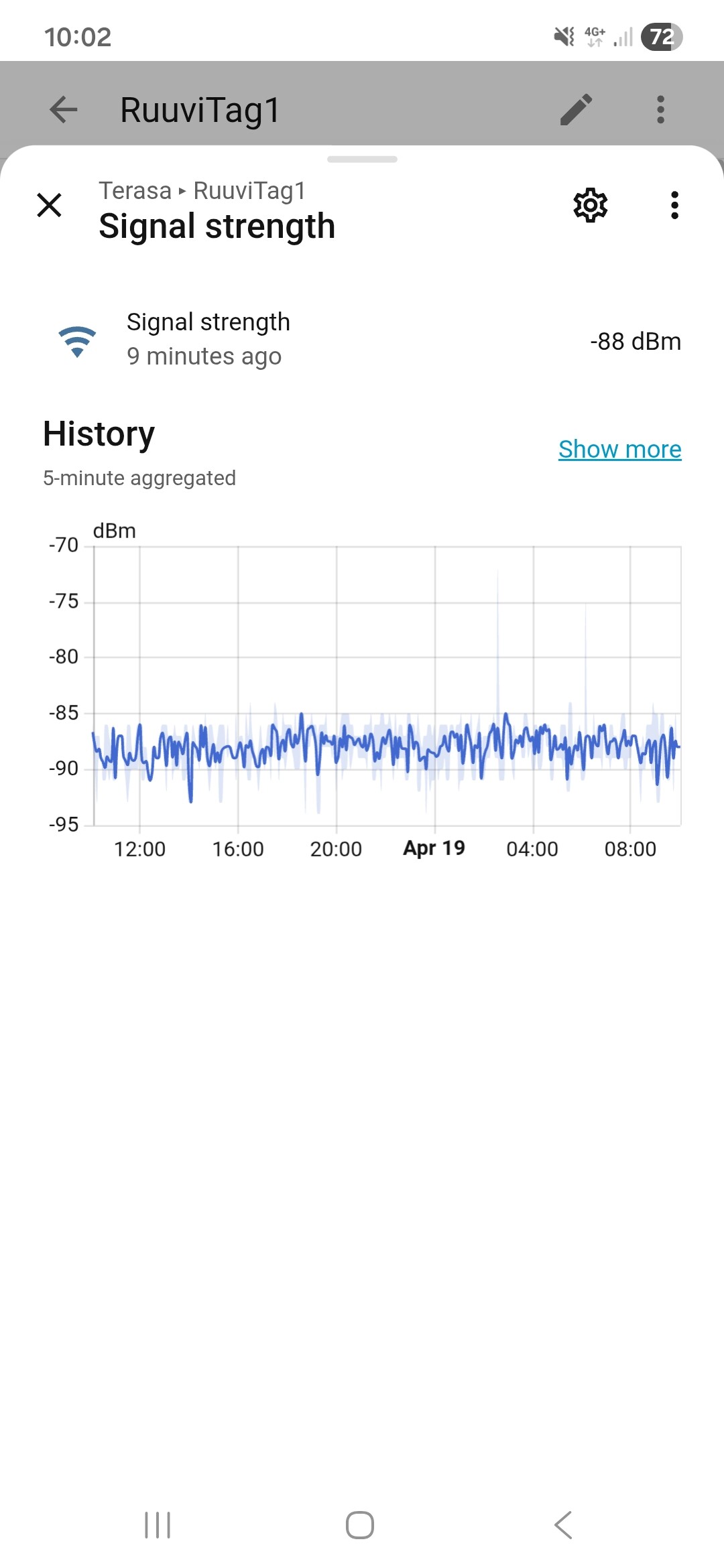
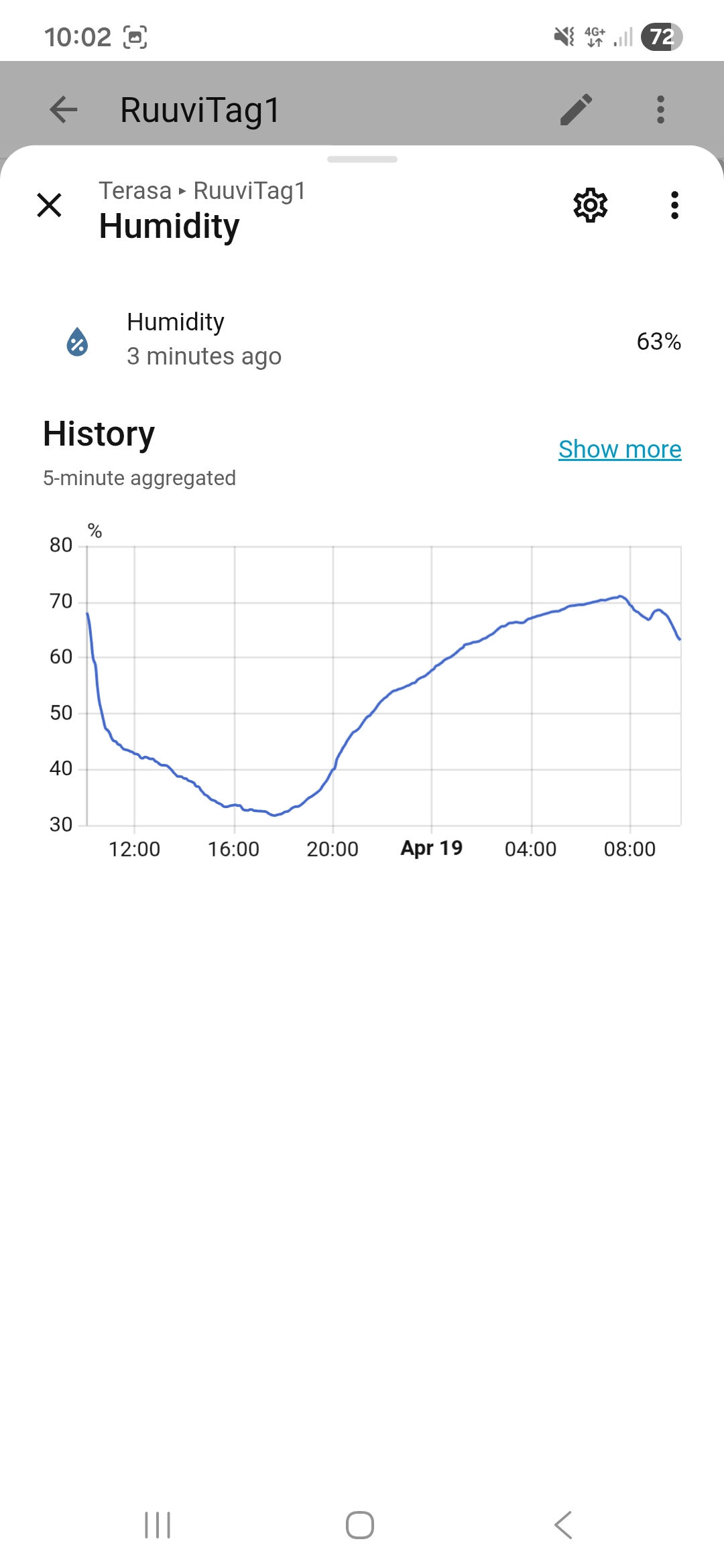
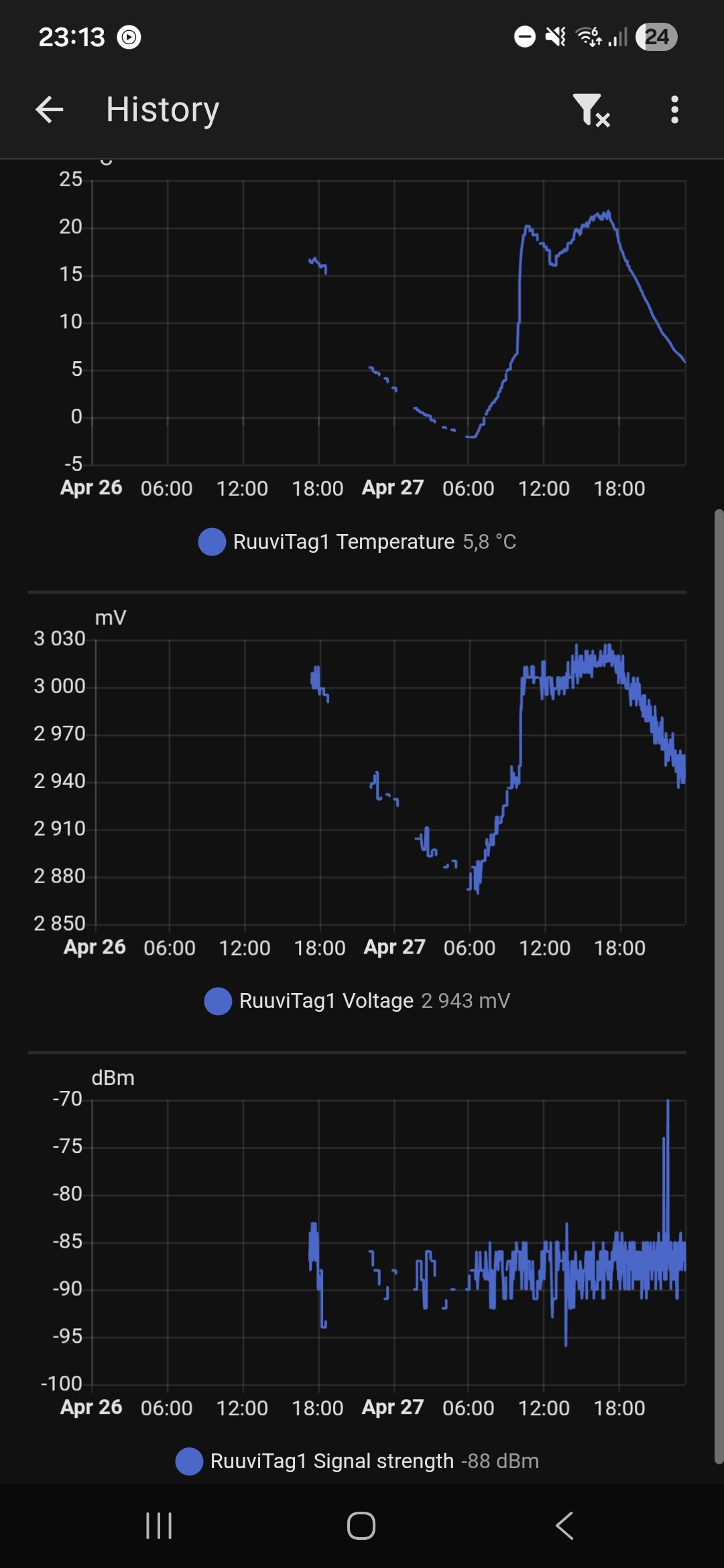
where is problem and why RuuviTag losing signal?
Firmware: 3.34.1+extralife ( Extend the battery life - #7 by otso )
HW: Raspberry Pi 5 (4GB)
OS: Home Assistant OS 17.2 (2026.4.2)
Connection: BT LE
Hi,
where is problem and why RuuviTag losing signal?
Firmware: 3.34.1+extralife ( Extend the battery life - #7 by otso )
HW: Raspberry Pi 5 (4GB)
OS: Home Assistant OS 17.2 (2026.4.2)
Connection: BT LE
Hi @panthe7 , thanks for your message. Unfortunately with this information it’s quite difficult to say what caused this issue. I’m assuming that everything is working correctly for now. If this issue appears again, please write to our support at support@ruuvi.com.
Sometimes the beacons of my RuuviTag Pro are picked up by a BT-Proxy (ShellyPlug S) in my setup and HA misses some data then.
Perhaps not so much “losing signal” but maybe to much noise, especially from other Bluetooth devices?
Try nRFconnect to see other edevices/.
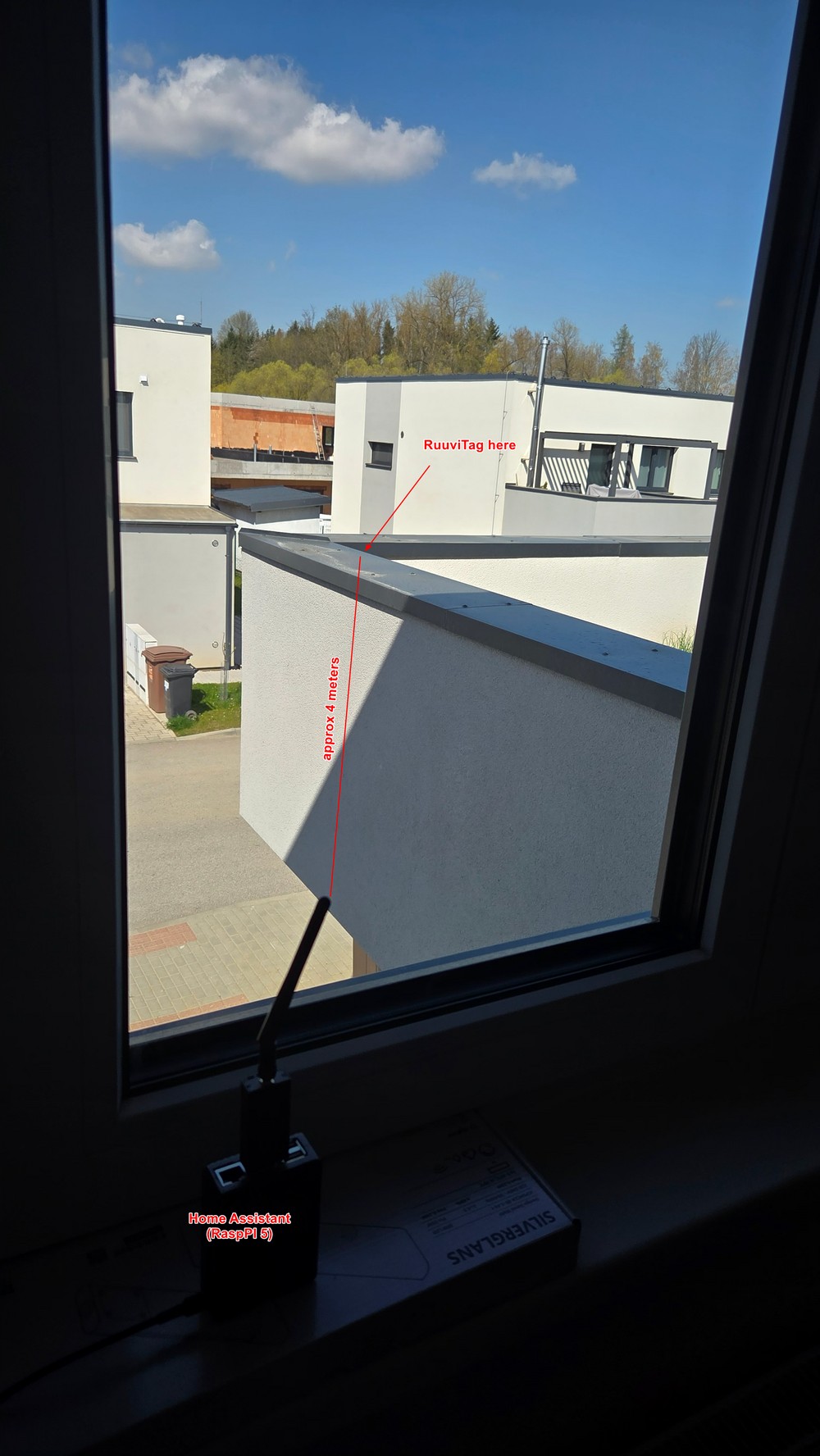
Thanks for the attached screenshot. Looking at the dBm, your sensor is quite far from the receiver. Does the situation improve if you move sensor closer and monitor the situation? This way at least one variable could be checked.
Hi @panthe7 , possibly the reason could be that this particular barrier is blocking the wireless signal effectively, but this can be only tested by moving the sensor.
It is not possible to increase the signal transmit power. However, please note that switching to the “extended life” firmware means that data is transmitted less frequently. When data is sent less often, a higher percentage of packets may be lost during transmission, which typically reduces the effective range. I would advise against using that firmware in this specific case, as it is likely to worsen the situation.
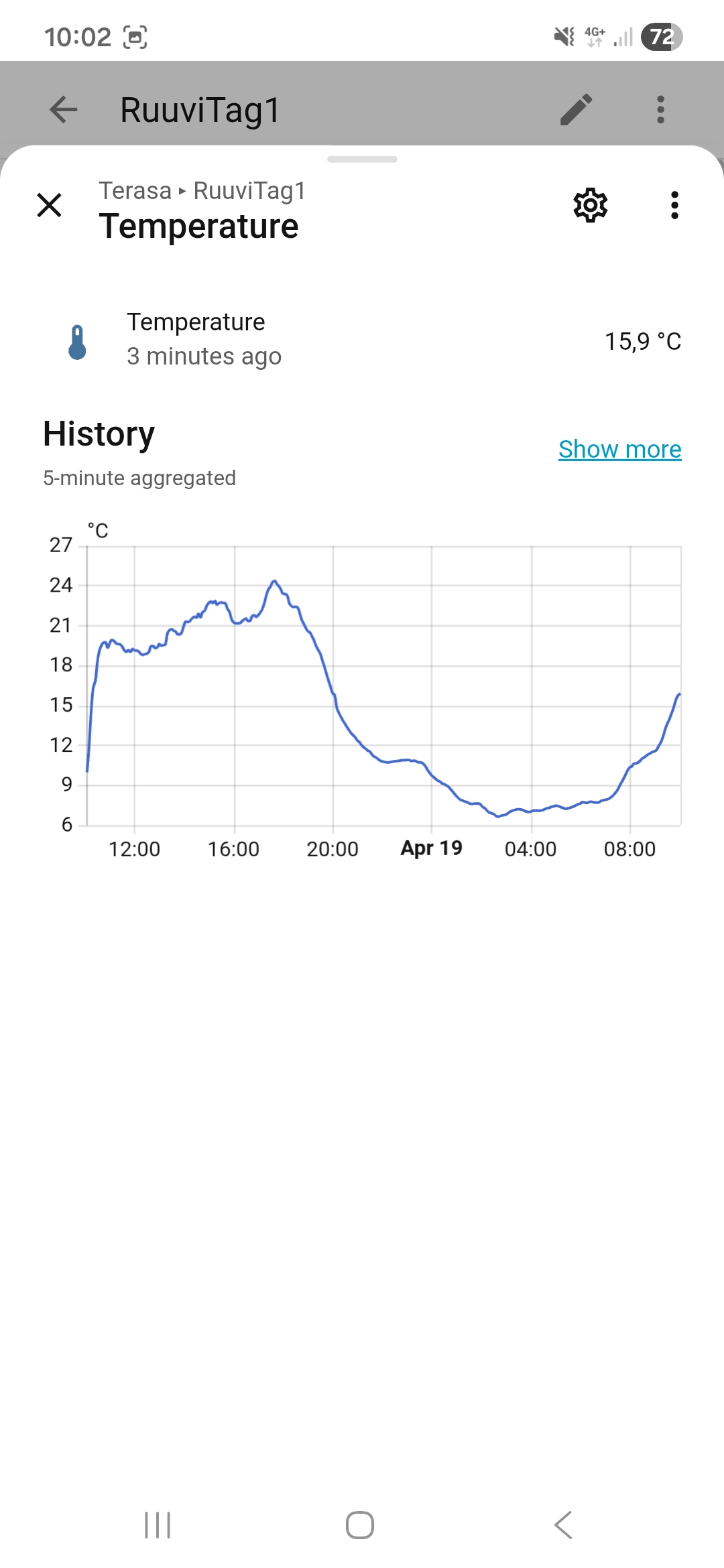
To help troubleshoot, could you confirm if you receive the same data on a mobile phone from that same location? If you do, the issue likely lies with the receiver. Given that the distance is very short, this sounds like a problem with the receiving end, such as a poor Bluetooth antenna.
Another factor to consider is your windows. Some modern insulated glass can block wireless signals entirely, reducing the effective distance to nearly zero.
To verify the RuuviTag’s performance, I recommend this simple test:
Depending on your phone model, you should typically maintain a connection for 50–150 meters.