I bought today my first RuuvitTag (white).
I want primary as outdoor temperature sensor with longlife mode.
My first steps.
Download Ruuvi statioon for Android
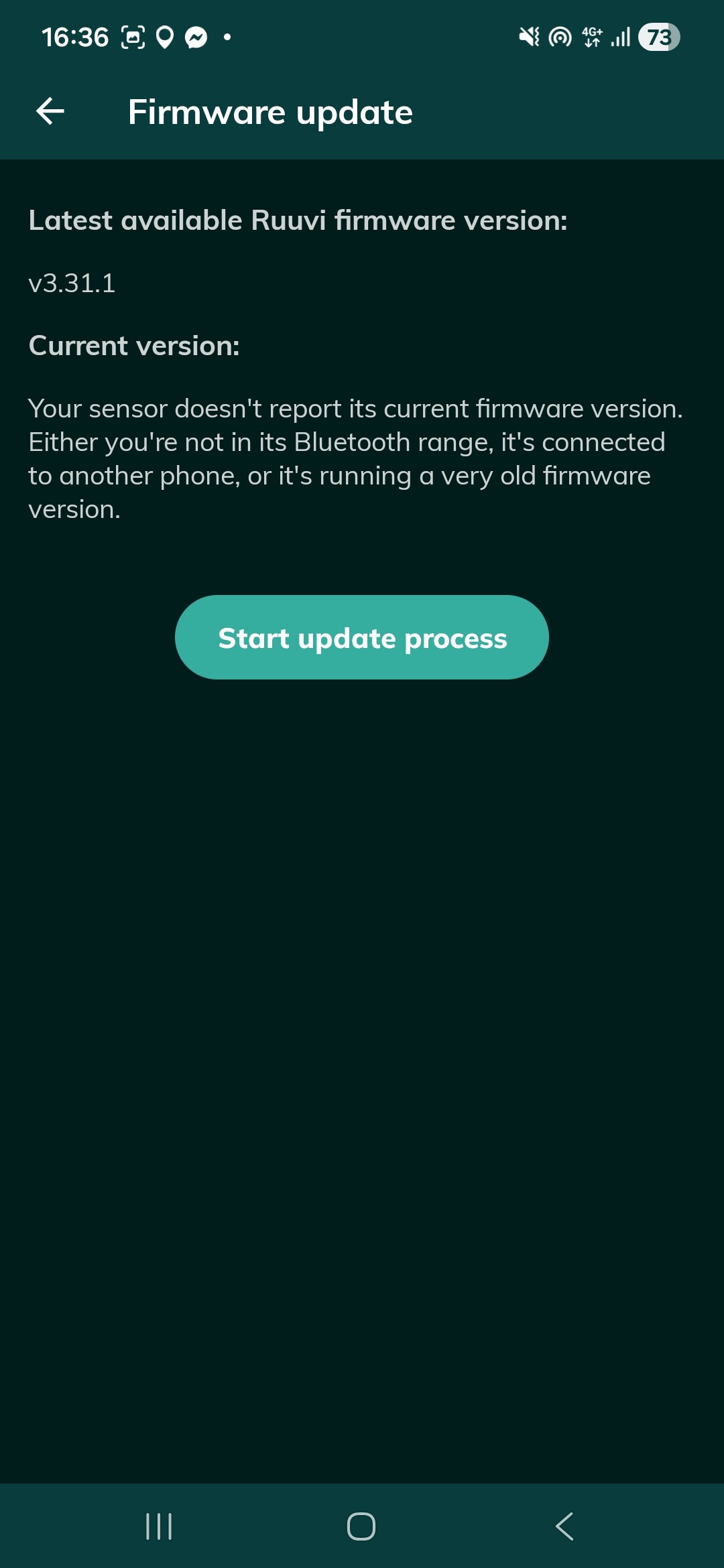
Update official firmware, after “success” update, Android apps say “i don’t know which firmare is in RuuviTag. Eh? (picture 1)
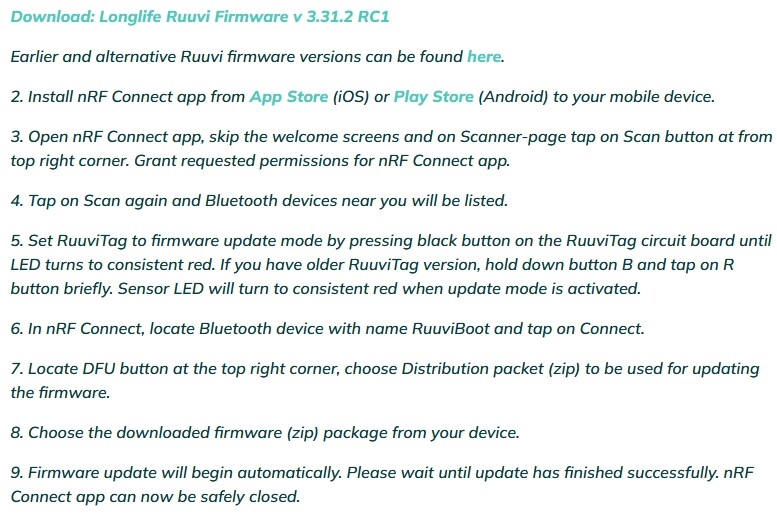
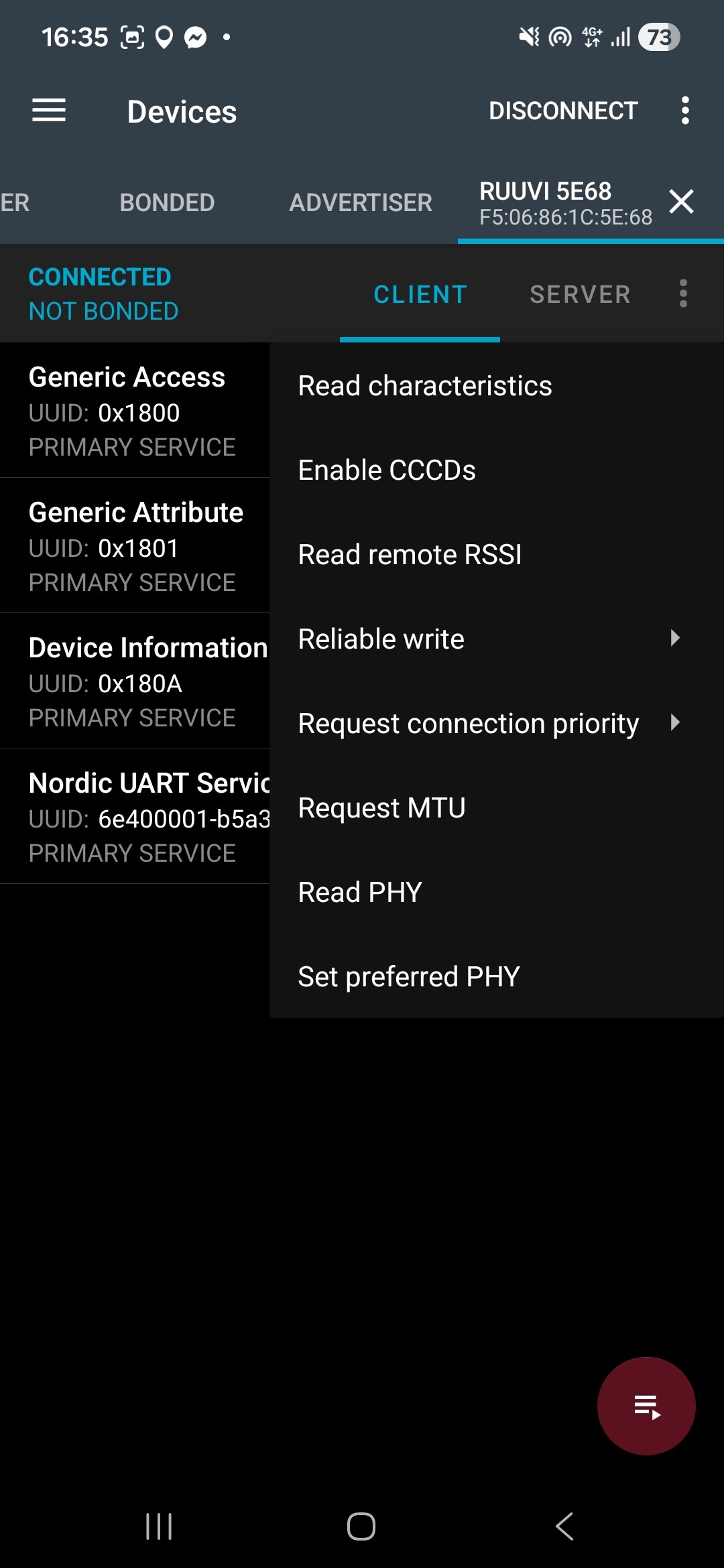
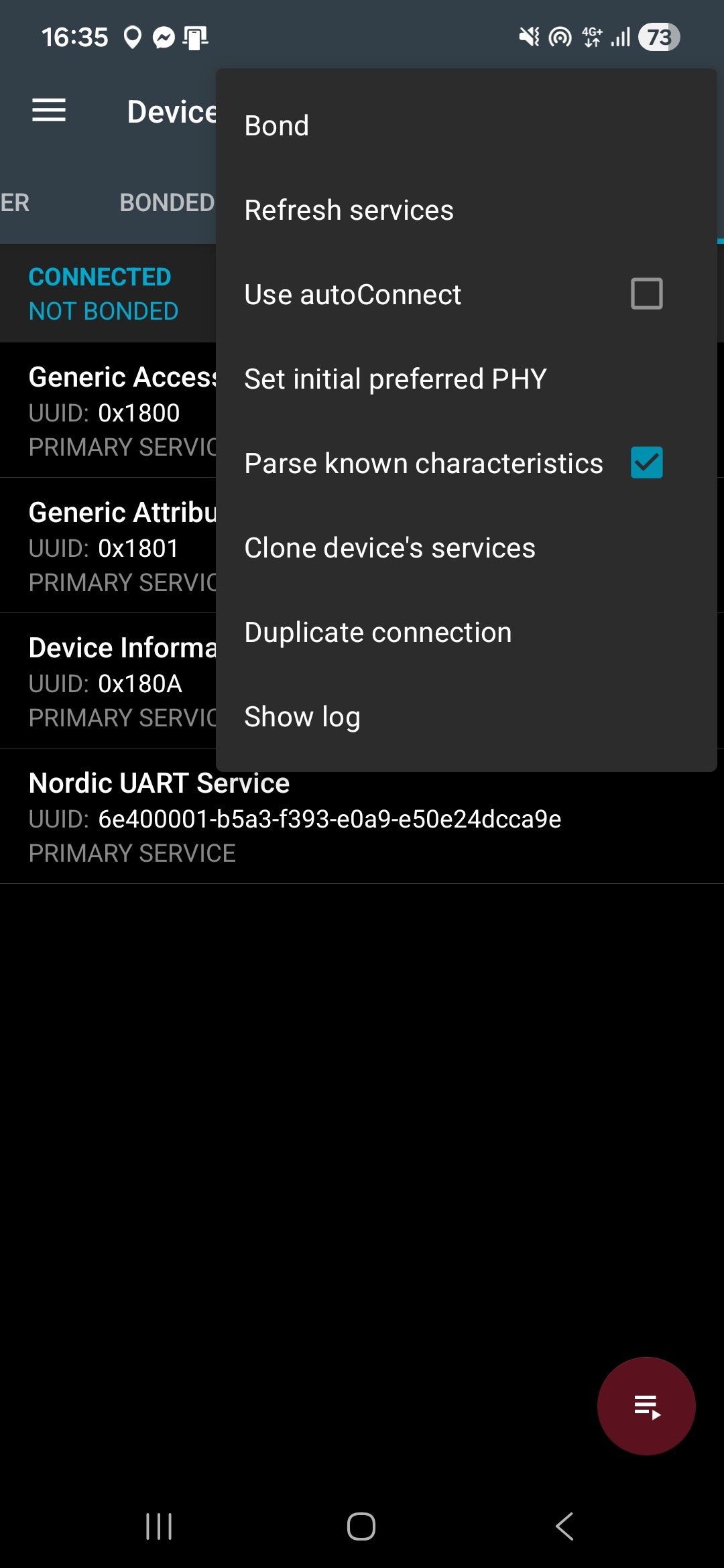
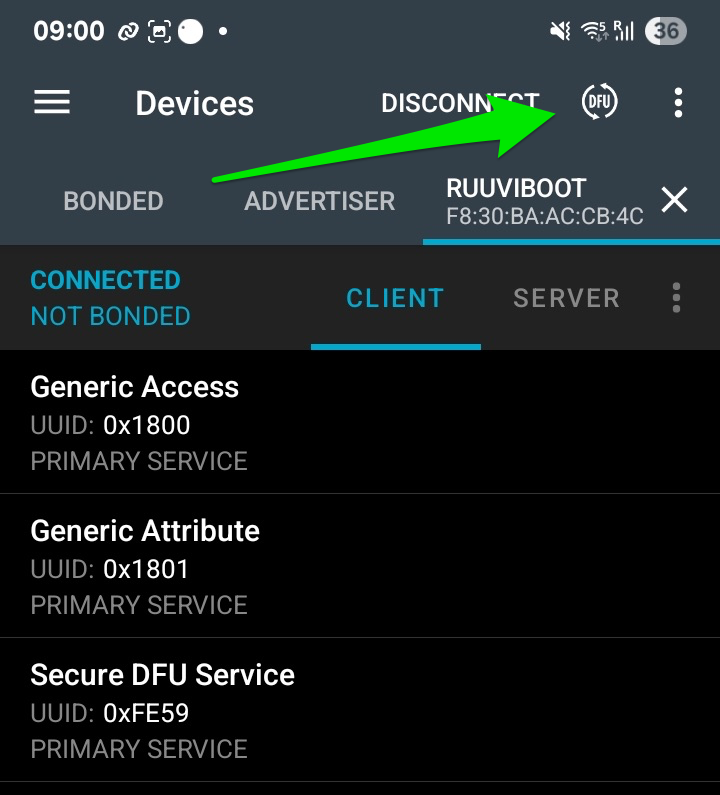
Ok, now read FAQ (picture 2), download nRF Connest. Connect to device, prepare for flash, but, point seven (7): “Locate DFU button at the top right corner”. I don’t see “DFU button” or? (picture 3, 4)
Thanks for your message!
The DFU button in nRF Connect app appears on this page if RuuviTag is set to update mode.
First take your RuuviTag out from the enclosure, locate the button on circuit board, and press it for 10 seconds until LED changes to solid red.
Then open nRF Connect app and scan for nearby Bluetooth devices. You should find a device with name RuuviBoot. Connect to this sensor and then you will see the round DFU button at the top right corner.