# IOS: Export data?
**URL:** https://f.ruuvi.com/t/ios-export-data/5522
**Category:** 🇬🇧 Ruuvi Station application (mobile + web)
**Created:** [18 April 2022 21:35 UTC](https://f.ruuvi.com/t/ios-export-data/5522 "2022-04-18T21:35:20Z")
**Posts on this page:** 2
**Page:** 1
### Author:  [@QFive](https://f.ruuvi.com/u/QFive)
#### Post date: [18 April 2022 21:35 UTC](https://f.ruuvi.com/t/ios-export-data/5522/1 "2022-04-18T21:35:20Z")
Can someone tell me how to export/download data from Ruuvi Station on an iPhone or otherwise download data from a Ruuvi Tag Pro. I’ve searched all over Station and can’t find it.
Thanks,
---
### Author:  [@priyonto](https://f.ruuvi.com/u/priyonto)
#### Post date: [19 April 2022 05:29 UTC](https://f.ruuvi.com/t/ios-export-data/5522/2 "2022-04-19T05:29:47Z")
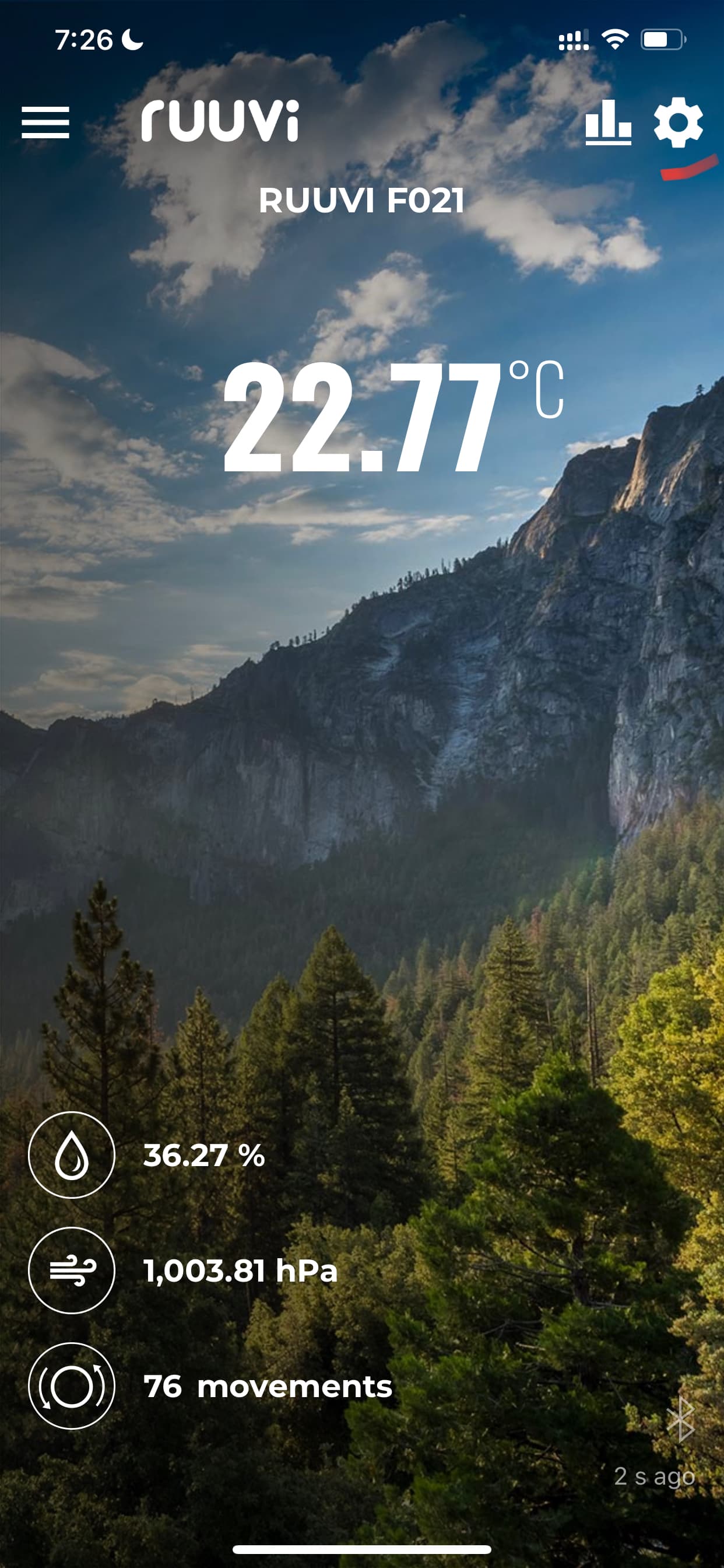
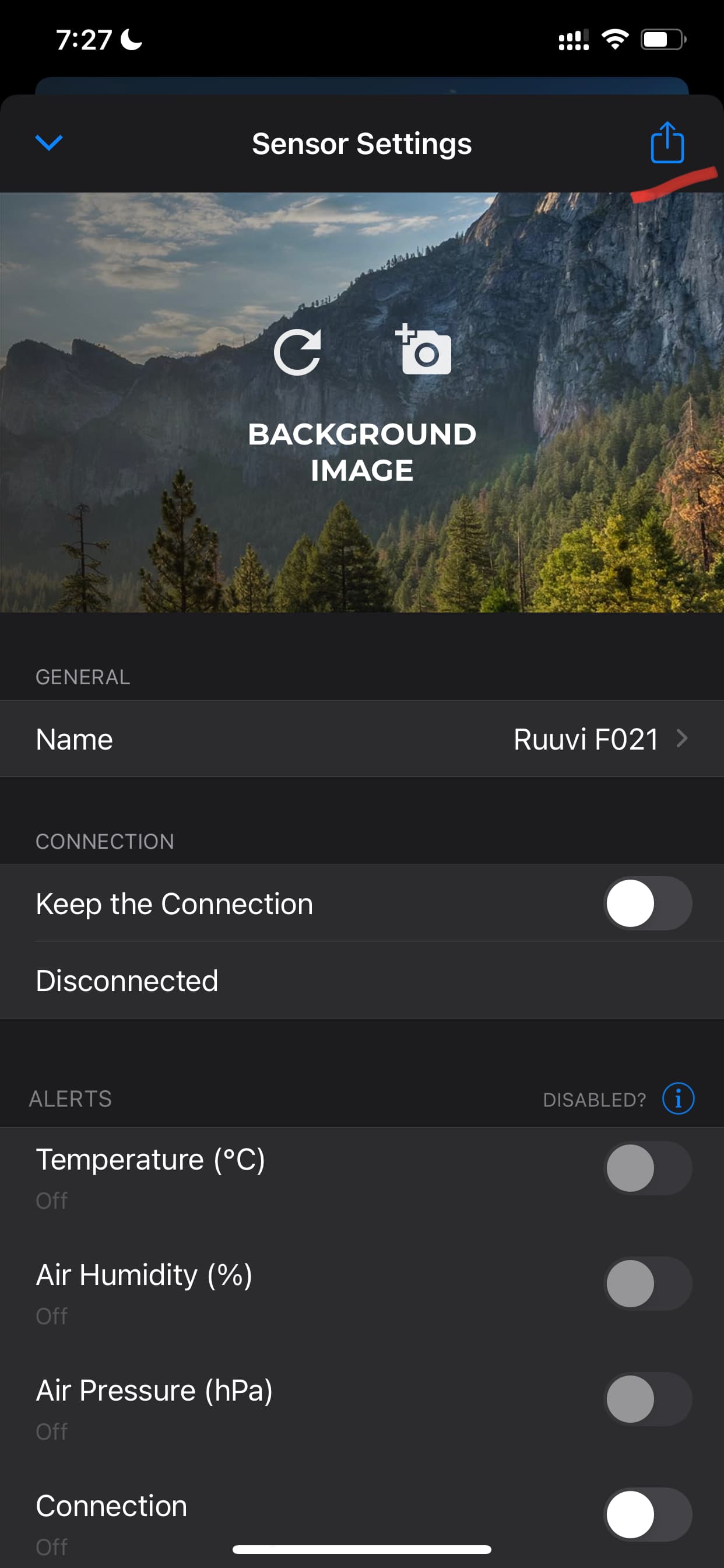
Open Sensor Settings tapping the Gear icon on top right corner. On the sensor settings page tap the export button from the right top corner. That should present the exportable csv file with option to share via different platforms.